Get more than you expect from a backup program


| Newsletters |
 Sign me up
|


|
Service |
Top Previous Next |
|
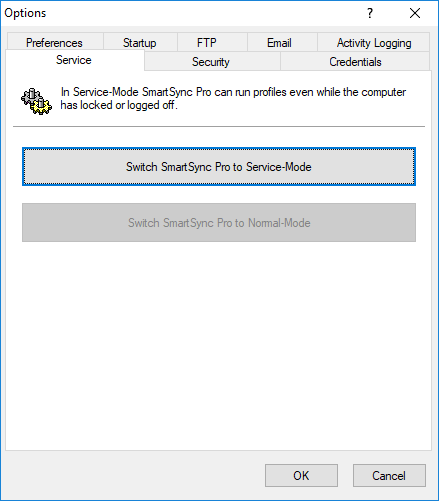
Use the Service page of the Options dialog box to switch program mode from Service-Mode to Normal-Mode and vice-versa.
Switch SmartSync Pro to Service-Mode Click this button to install SmartSync Pro as a service and start it in service mode. You can specify which user account will be used to run the service (this may be the same account, other user account or Local System account). Note: The Local System account does not have access to network resources, so you must provide network credentials in the Connection security dialog box.
Switch SmartSync Pro to Normal-Mode Press this button to stop SmartSync Pro service, uninstall the service and restart SmartSync Pro in normal mode.
Note: The Service page is accessible for administrators.
| |
| SmartSync Pro Help Contents | |